

Performance
Stage 1, Stage 2, torque, speed limiter and other performance-related Solutions.
Automatic Solutions
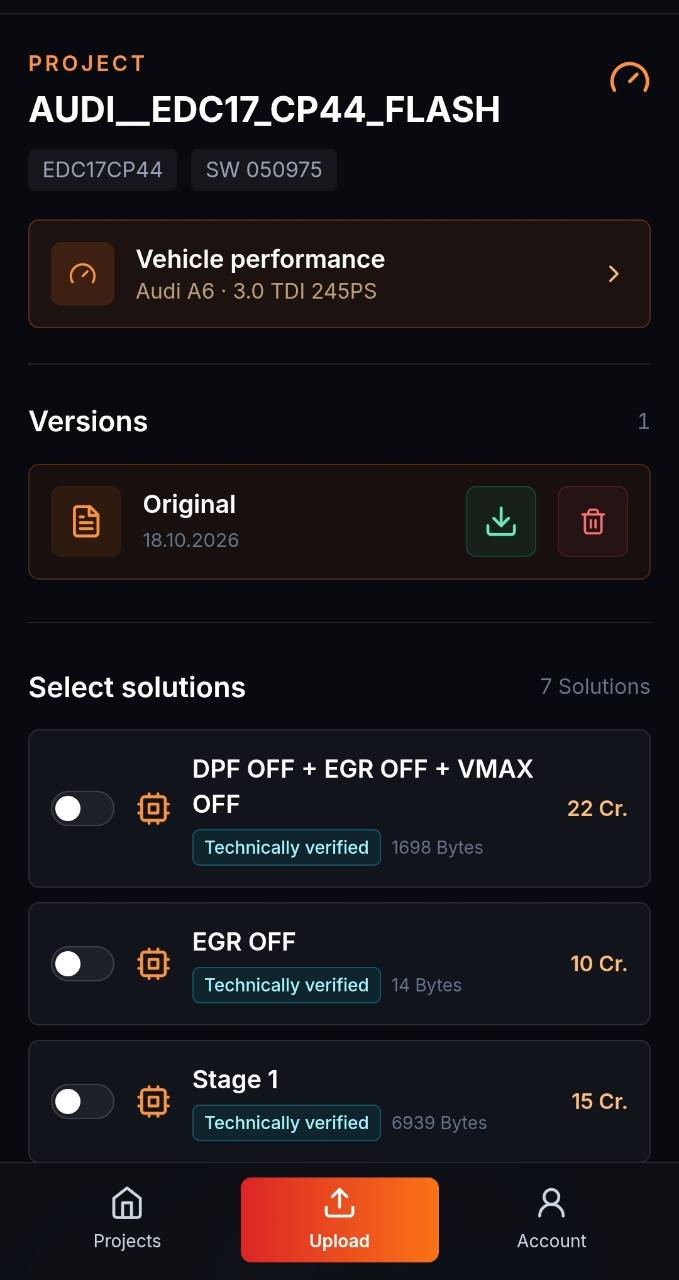
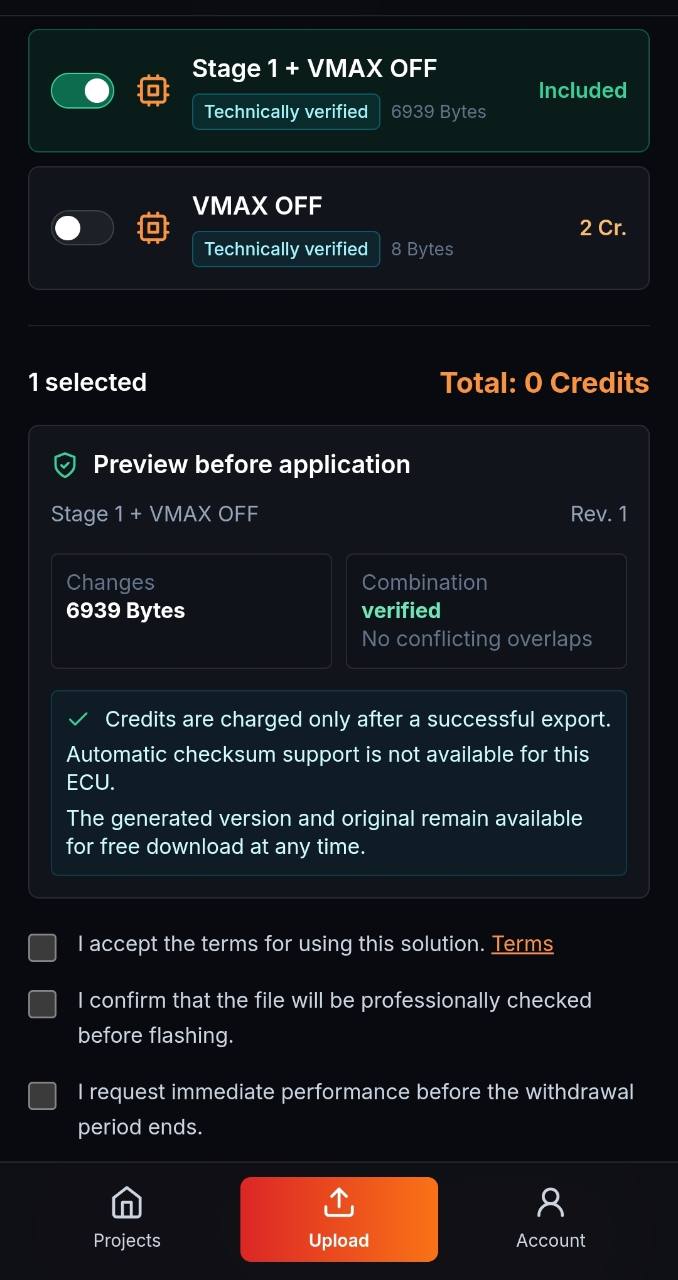
Upload the original file to the file portal, automatically find compatible Solutions and create the matching tuning file as a new project version.
SOLUTION RANGE
ECU-Jobs Suite automatically checks the uploaded original file for compatible Solutions. Availability depends on the ECU, software version and file.
Stage 1, Stage 2, torque, speed limiter and other performance-related Solutions.
DPF, EGR, AdBlue and DTC Solutions for compatible original files.
Pop and Bang, start-stop and other vehicle-specific options.
Emission-, noise- and approval-related changes may only be used where legally permitted.
HOW IT WORKS
The Suite matches supported original files with available Solutions.
Solutions are only applied to technically compatible source files.
A Solution can combine map changes, axes and compatible binary patches.
Save proven personal changes and reuse them in compatible projects.
Access a continuously growing selection of available Solutions.
Store each application as a new version while preserving the original.
EXPLORE IN DETAIL
Dedicated pages explain access, file checks and performance levels in their technical context.
Check compatible Stage 1 Solutions for the original file and create a separate version.
View Stage 1 tuning files →Manage hardware context, maps and project versions consistently.
Open Stage 2 →Review the original, detected ECU data and available coverage.
Open File Check →Permanent free access to projects and Solution searches.
Explore the portal →Organise repeatable file work for tuners and workshops.
Open B2B workflow →Check supported agricultural ECU files and compatible Solutions.
Open tractor tuning files →Check compatible DPF Solutions against the actual file.
Open DPF Solutions →Check AdBlue and SCR Solutions for the original file.
Open AdBlue Solutions →Manage transmission files and engine calibration consistently.
Open TCU workflow →Use supported projects, mappacks and OLS scripts.
Open WinOLS workflow →Check files and Solutions for supported VAG controllers.
Open VAG workflow →Check compatible DPF Solutions against the actual file.
Open DPF Solutions →Check AdBlue and SCR Solutions for the original file.
Open AdBlue Solutions →Manage transmission files and engine calibration consistently.
Open TCU workflow →Use supported projects, mappacks and OLS scripts.
Open WinOLS workflow →Check files and Solutions for supported VAG controllers.
Open VAG workflow →ECU-JOBS SUITE
Automatic Solutions, ECU editor, mappacks and versions work together directly.