

01
CREATE A PROJECT
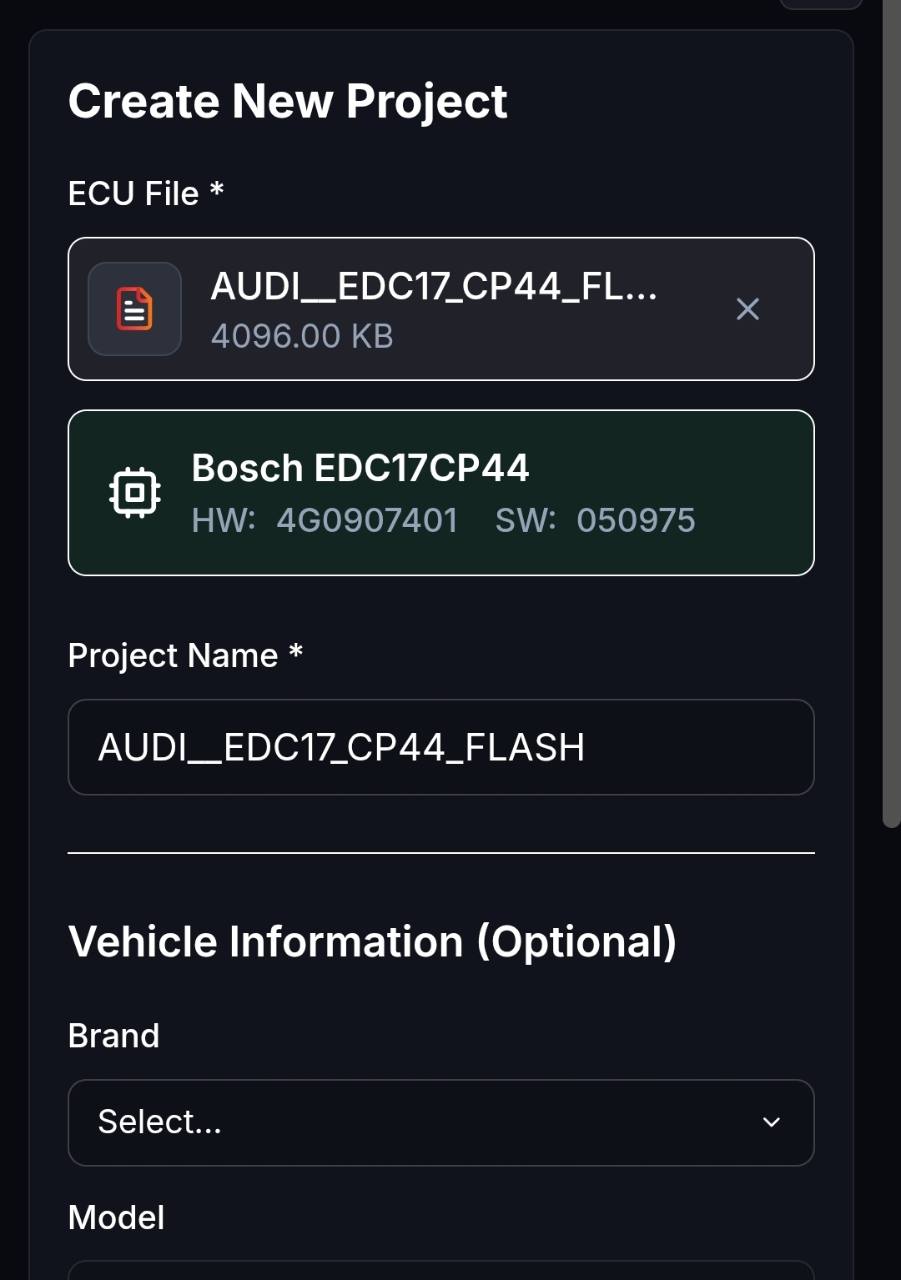
Upload the original file.
Select the ECU binary, name the project and optionally add vehicle data. The original file remains unchanged as your reference.
THIS IS HOW SIMPLE IT IS
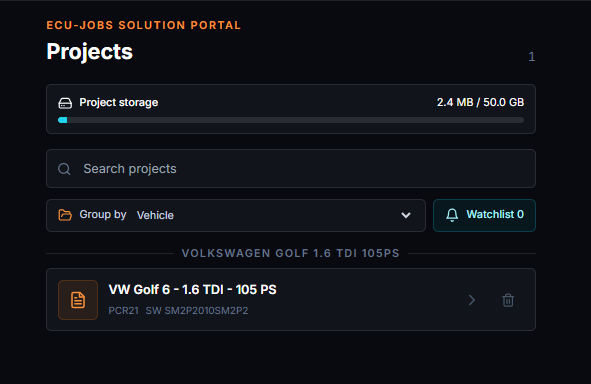
Upload the original file to the file portal, select compatible Solutions and download the finished tuning file as a separate project version. Fully browser-based, with no monthly plan required.
SIX STEPS
The Suite guides you from upload to the finished version. Detection and available Solutions depend on the ECU, software version and original file.
CREATE A PROJECT
Select the ECU binary, name the project and optionally add vehicle data. The original file remains unchanged as your reference.
AUTOMATIC DETECTION
For supported files, ECU-Jobs Suite automatically detects the control unit and software information, giving the project a technically suitable starting point.
COMPATIBILITY
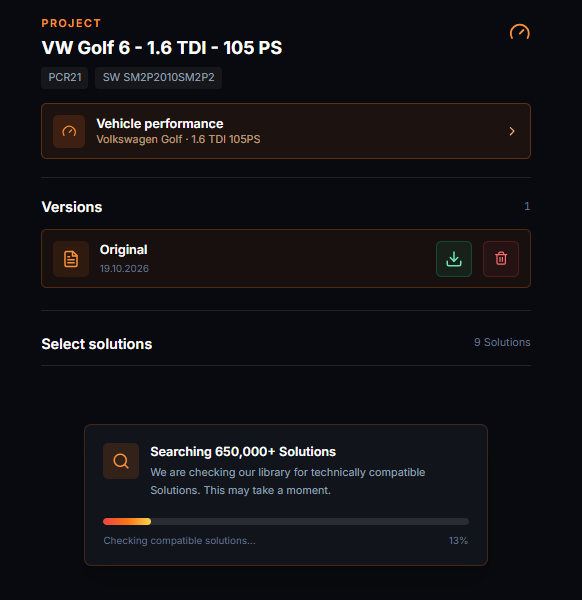
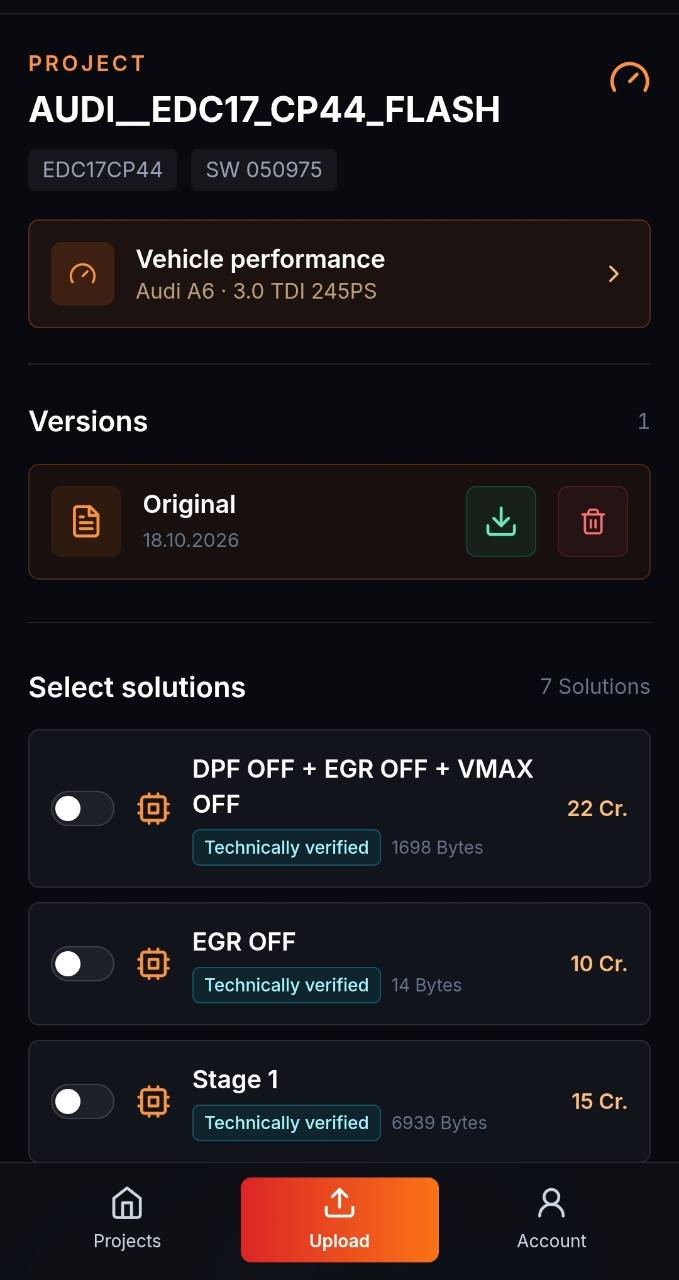
The original file is checked against the Solution library. Technically compatible options can include Stage 1, Stage 2, DPF, EGR, AdBlue, DTC or speed limiter Solutions.
PREVIEW
Selected Solutions, affected bytes, combination checks and pricing are shown before application. Credits are charged only after a successful export.
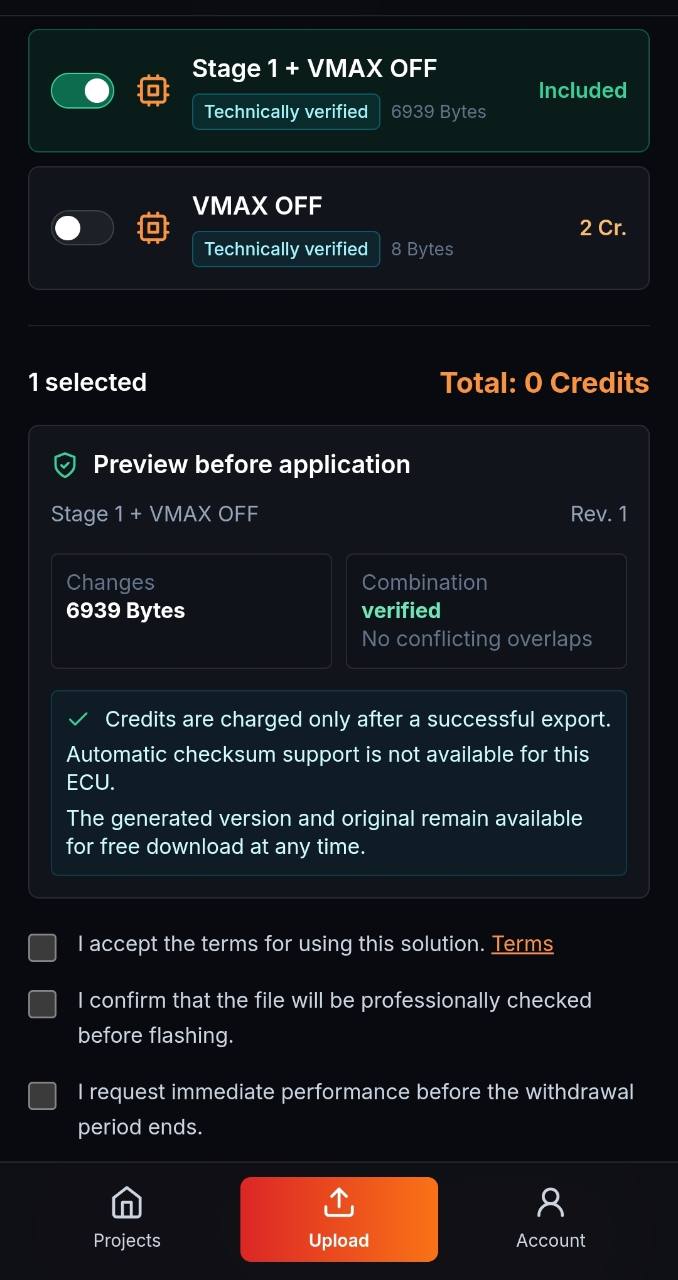
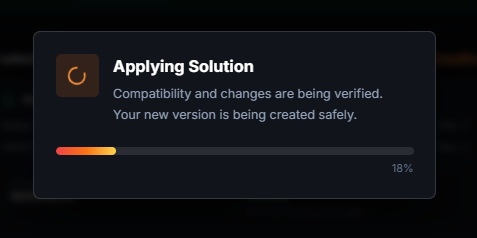
SAFE APPLICATION
Before application, the Suite checks compatibility and changes again. It then creates a separate new version while preserving the original.
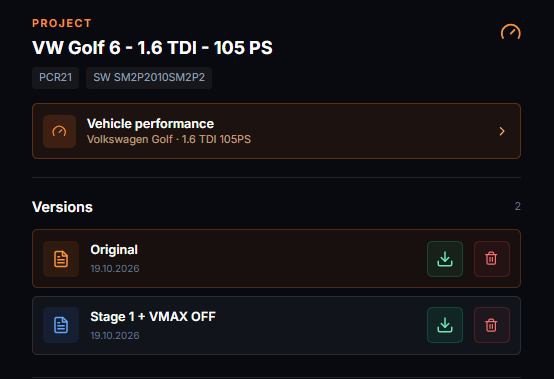
DONE
The original and generated version remain together in the project. Both files can be downloaded again at any time and are clearly distinguishable.
Emission-, noise- and approval-related changes may only be used where legally permitted. Every generated file must be professionally checked before flashing.
READY FOR YOUR FIRST PROJECT?
The Solution Portal remains available without a monthly plan. Credits are charged only for Solutions you actually apply.