

Create the project
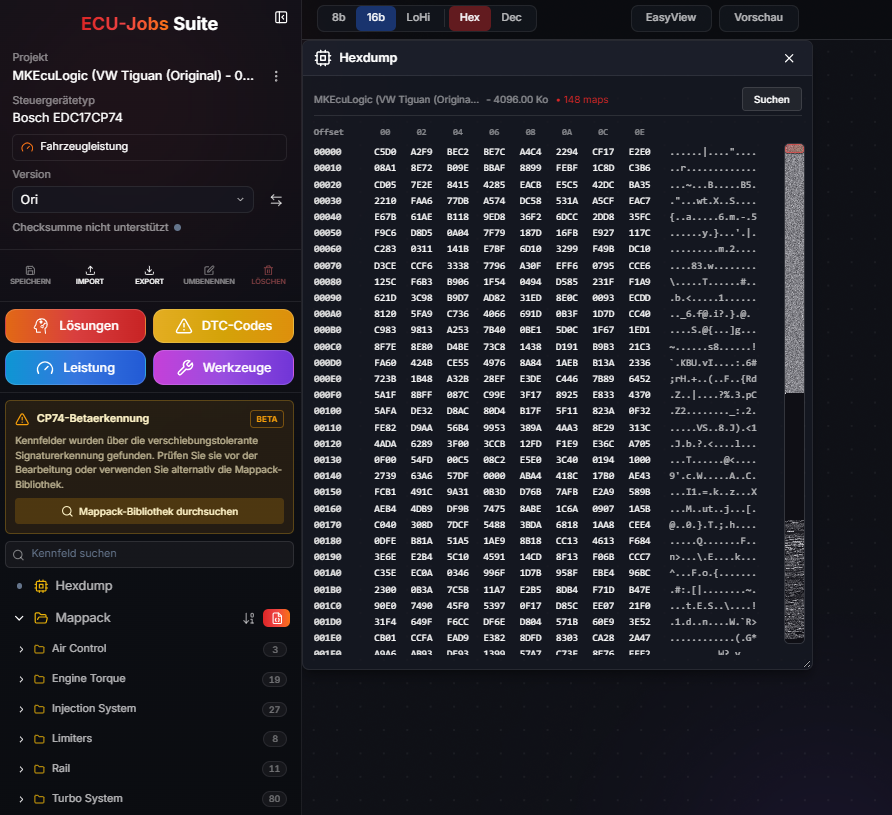
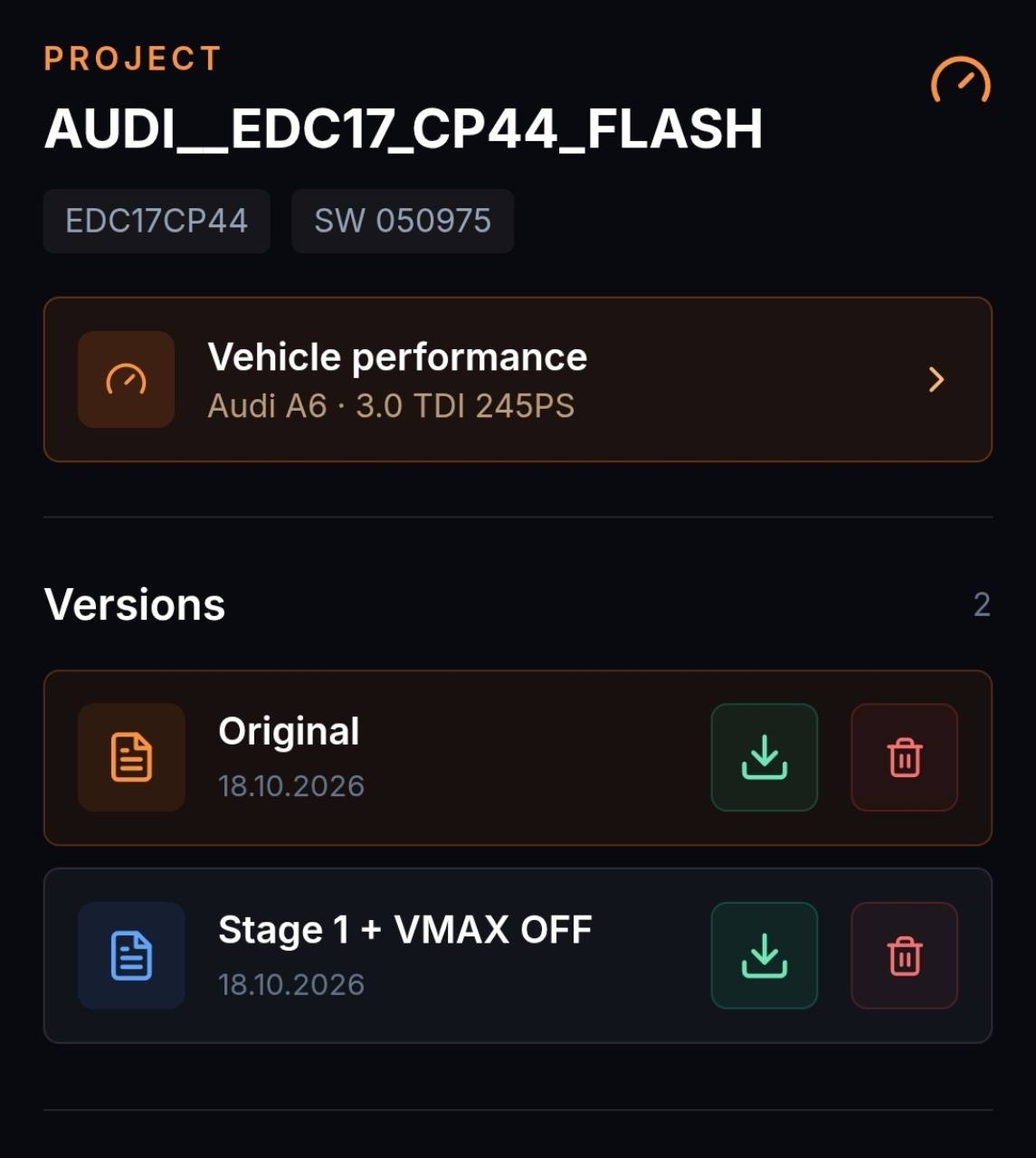
Upload the original file and match the ECU data.
WINOLS DATA · CONTINUE IN THE BROWSER
ECU-Jobs Suite can use WinOLS projects, mappacks and OLS scripts in supported formats. Existing work can then be combined with the online editor, projects, versions and Solutions.
ECU-JOBS SUITE
Instead of rebuilding project knowledge, supported data can provide the baseline for a Suite project. What can be transferred depends on the format, project content and actual binary.
HOW IT WORKS
Upload the original file and match the ECU data.
Load a supported project, mappack or OLS script and verify the result.
Review maps, save changes and export a new version.
IMPORTANT TO KNOW
Names, factors, axes and addresses must match the actual file. After import, verify that maps have been assigned completely and plausibly.
Support and transferred content can vary depending on the WinOLS version, export format and project structure.
FREQUENTLY ASKED QUESTIONS
No. Import is limited to supported formats and project structures and is continuously expanded.
Imported definitions must match the software version and binary and should be reviewed professionally.
Yes. The original remains in the project while edits are managed as separate versions.