

Table view
Edit map values precisely in a structured table.
ECU Editor
Open maps and the hexdump in one workspace, edit values with control and review every difference from the original.
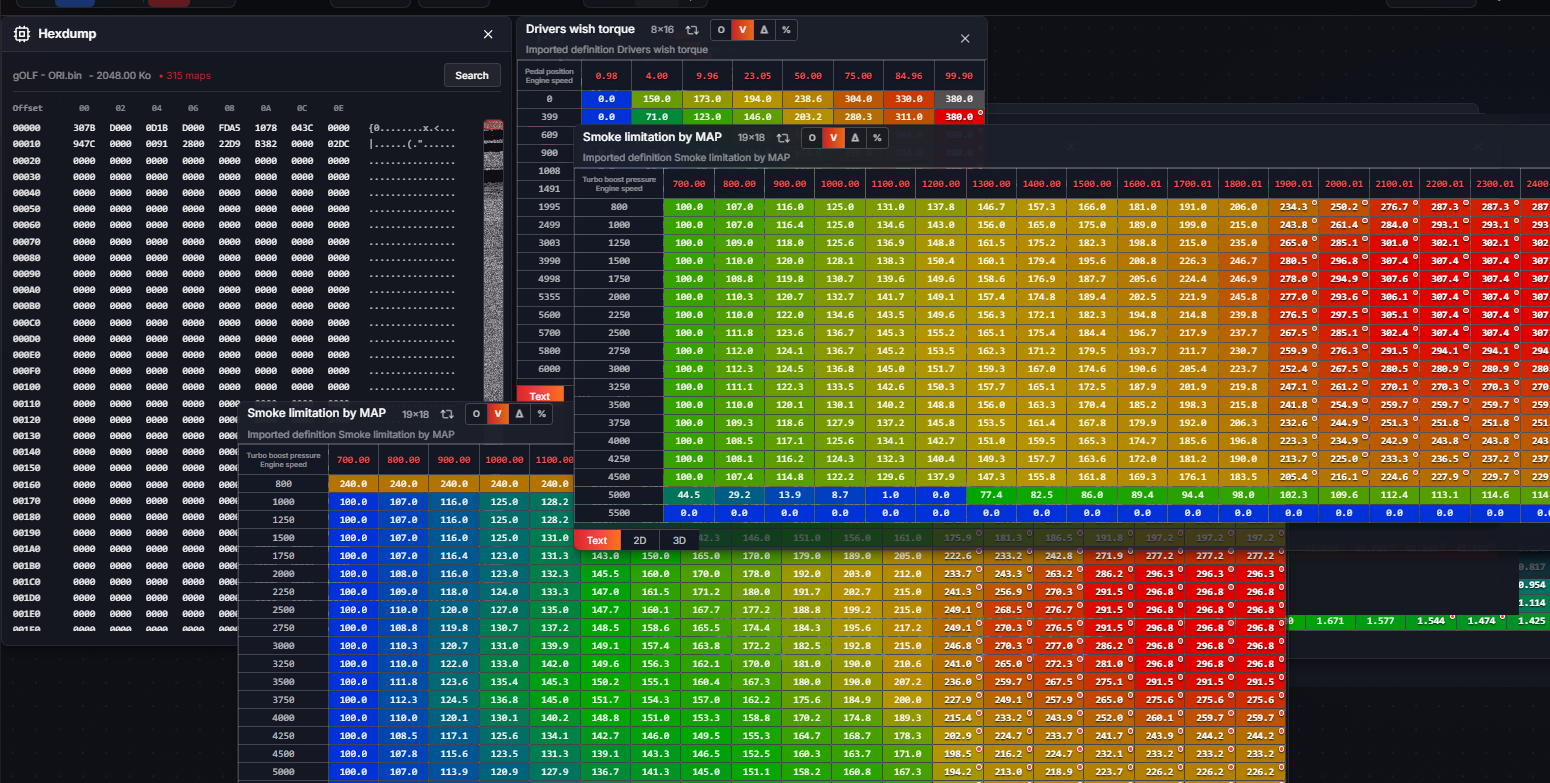
Edit map values precisely in a structured table.
Visually inspect curves and transitions and edit selected areas.
Review map surfaces spatially and identify irregularities.
Display changes as new values, deltas or percentages against the original.
Edit shared axes consistently and extend TQ-IQ ranges with control.
Save and export edited files as traceable project versions.
ECU-JOBS SUITE
Automatic Solutions, ECU editor, mappacks and versions work together directly.