

Record the basis
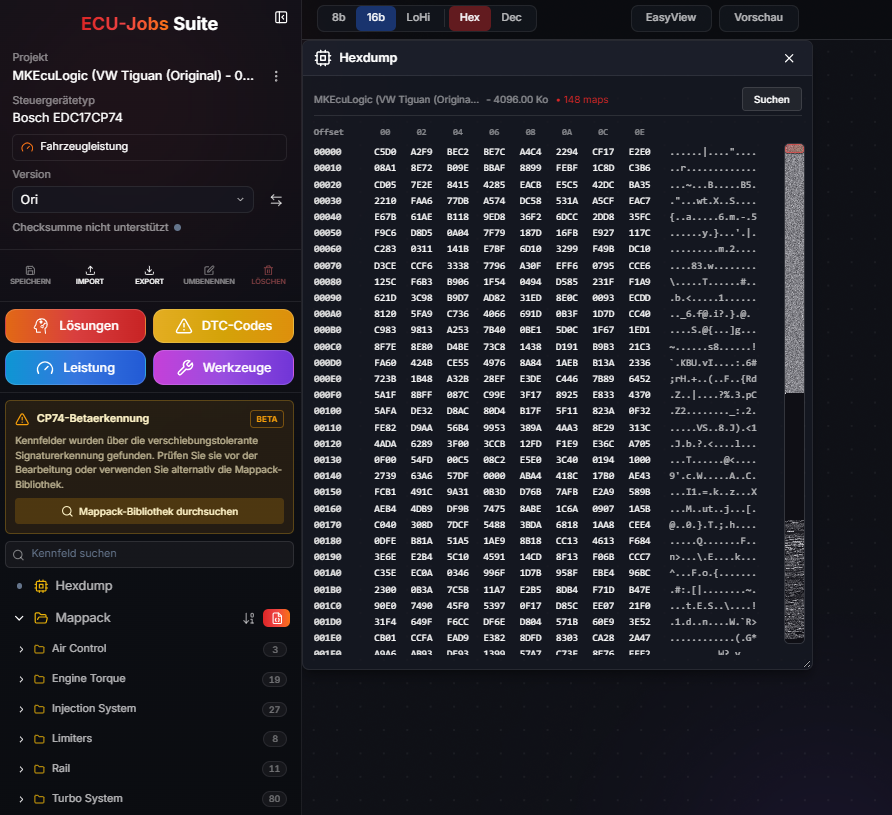
Document the original file, vehicle data and hardware.
STAGE 2 · HARDWARE AND CALIBRATION
Stage 2 projects connect software changes with the vehicle's actual configuration. ECU-Jobs Suite keeps the original file, hardware context, Solutions and edited versions together.
ECU-JOBS SUITE
Suitable changes depend on the engine, ECU, software version and installed hardware. Available Stage 2 Solutions are shown only for compatible files; individual adjustments are made in Expert mode.
HOW IT WORKS
Document the original file, vehicle data and hardware.
Review suitable Solutions and mappacks for the file.
Review changes, save them and manage a separate version.
IMPORTANT TO KNOW
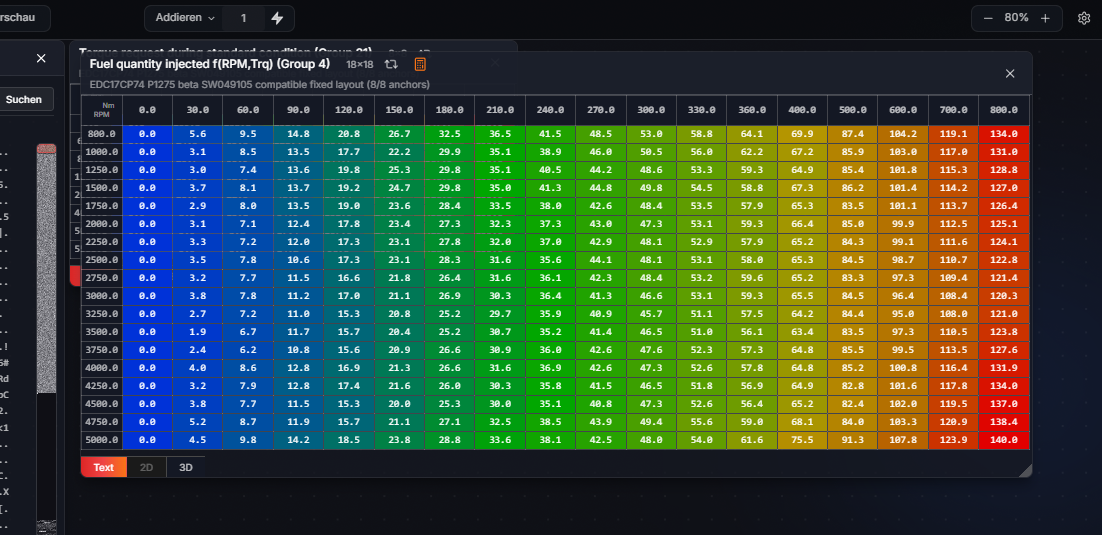
Stage 2 can affect several connected maps. The ECU editor supports controlled work on map values and axes but does not replace technical knowledge of the control unit.
Stage 2 calibration requires suitable hardware, professional verification and a legally permitted use case.
FREQUENTLY ASKED QUESTIONS
No. Availability and scope depend on the ECU, software version, file and hardware configuration.
Yes. Reliable Stage 2 calibration requires the actual vehicle and hardware context.
Expert mode provides the ECU editor and supported mappacks. Technical responsibility and verification remain with the user.