

Check the file
Document the starting point in the personal project.
MAPPACK LIBRARY · STRUCTURED MAP WORK
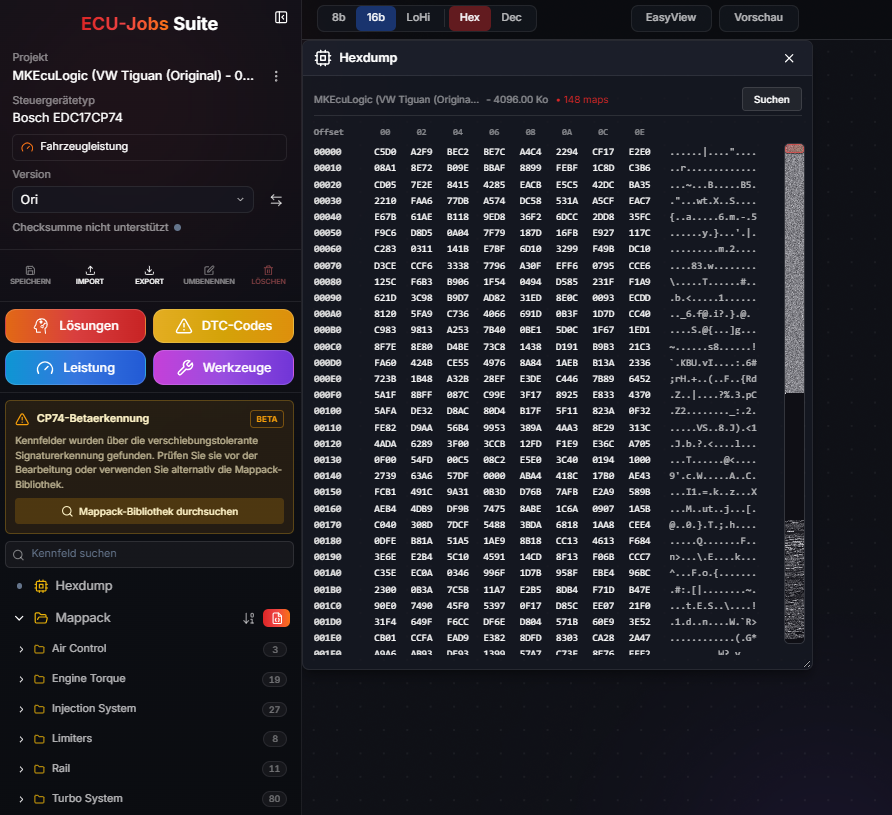
ECU-Jobs Suite connects detected or imported mappacks with projects, maps and versions. Coverage is continuously expanded and depends on the ECU, software version and file.
ECU-JOBS SUITE
A definition is only useful when it matches the actual file and project version. This keeps maps, axes and changes traceable.
View workflow
Document the starting point in the personal project.
Review technical availability and context.
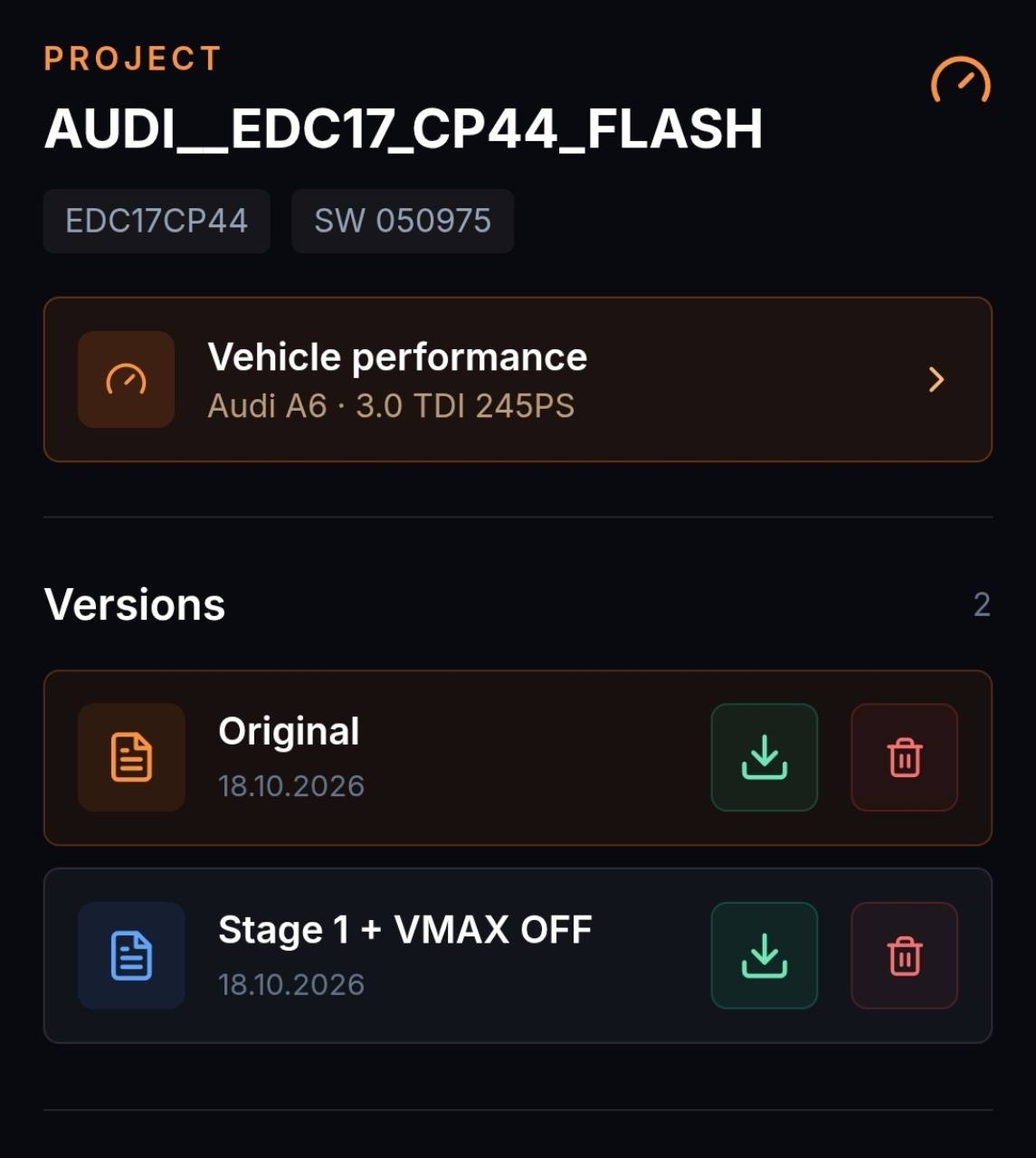
Keep result and original separately.
ECU-JOBS SUITE
For shared axes and dependent maps, consistency matters. Always assess changes in the context of the original version and technical function.
FAQ
No. Coverage depends on the supported ECU, software version and original file, and is continuously expanded.
No. The Solution Portal remains available with a free account; paid applications show the euro price in advance.
Yes. The result is created as a separate project version.