

Create the project
Preserve the original file and document the starting point.
ECU-JOBS SUITE · 24/7 IN THE BROWSER
Manage ECU files, vehicles, versions, mappacks and Solutions centrally in your personal ECU-Jobs Suite account.
ECU-JOBS SUITE
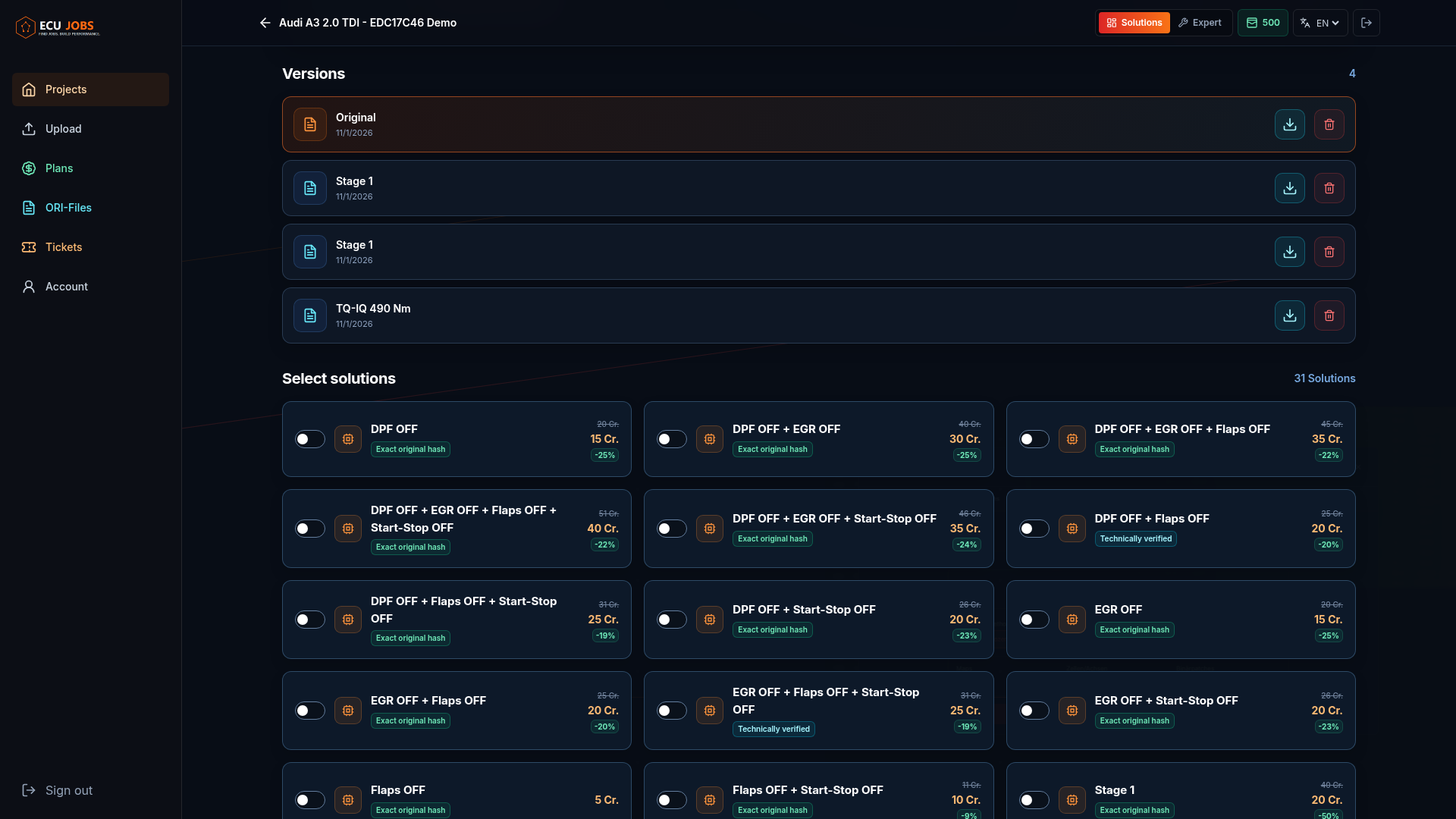
Availability depends on the supported ECU family, software version and original file. The Suite keeps the original and each result in separate project versions.
WORKFLOW
Preserve the original file and document the starting point.
Check supported recognition, compatibility and available options.
Create a separate version and keep the original available.
IMPORTANT INFORMATION
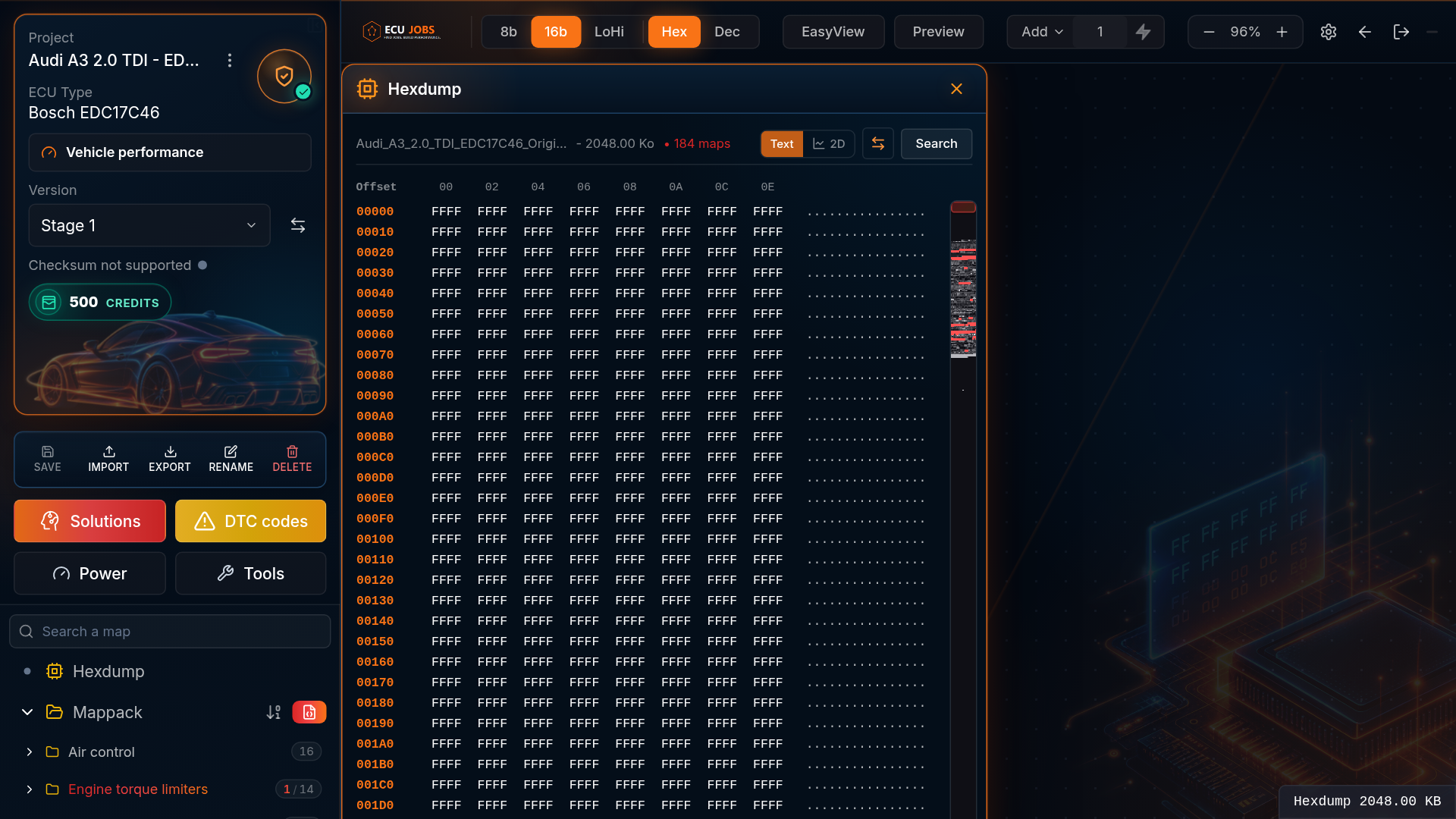
The browser-based workspace connects the file, detected data, maps, Solutions and versions. Technical review before flashing remains essential.
Automatic recognition supports selected ECU families and map structures and is continuously expanded.
FAQ
No. Availability depends on the ECU, software version and actual original file.
No. The Solution Portal remains available with a free account.
Yes. Results are created as separate project versions.