

Upload the original
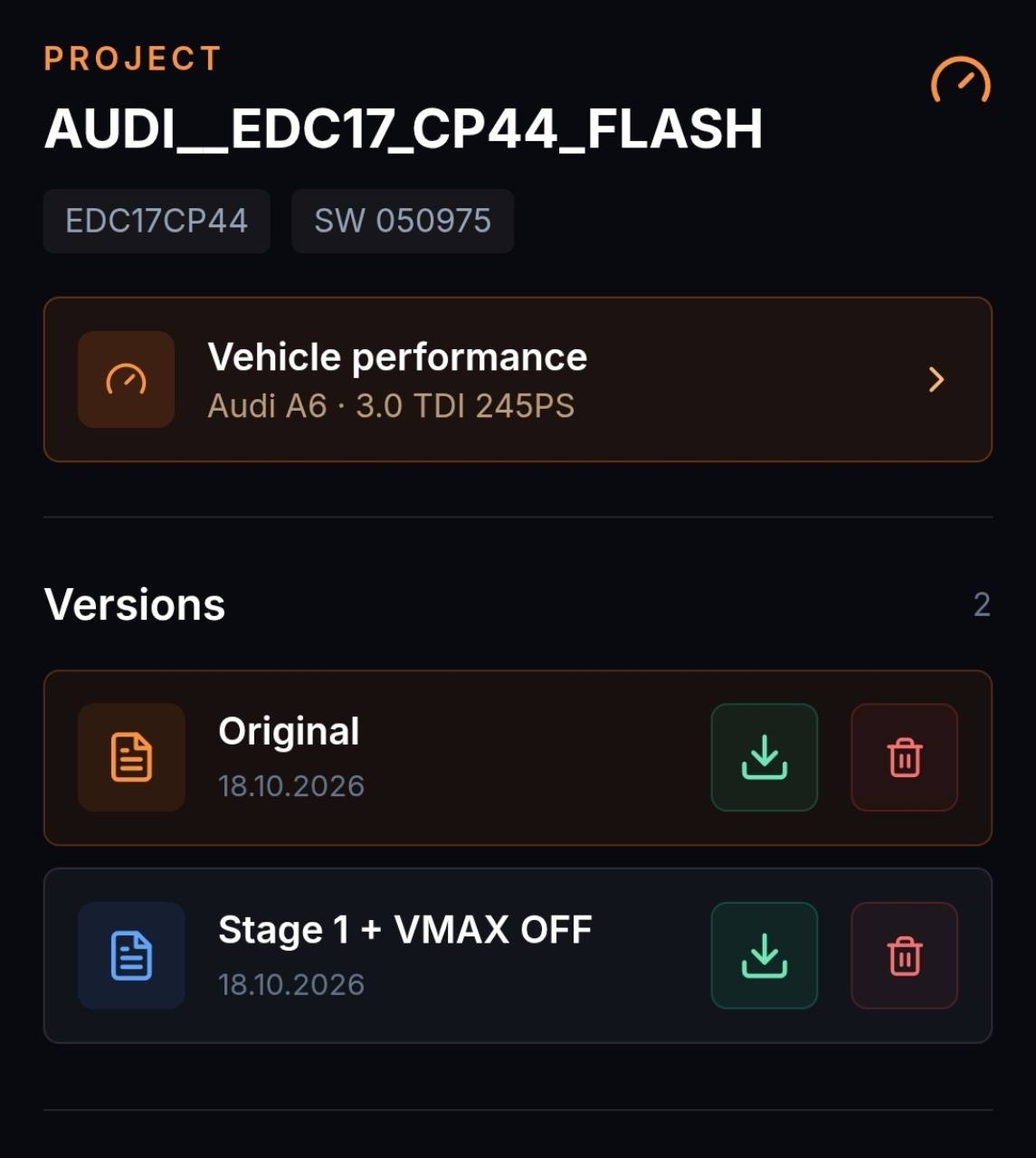
Create a clear baseline with the file and vehicle data.
ECU FILE ADJUSTMENT · TRACEABLE IN THE BROWSER
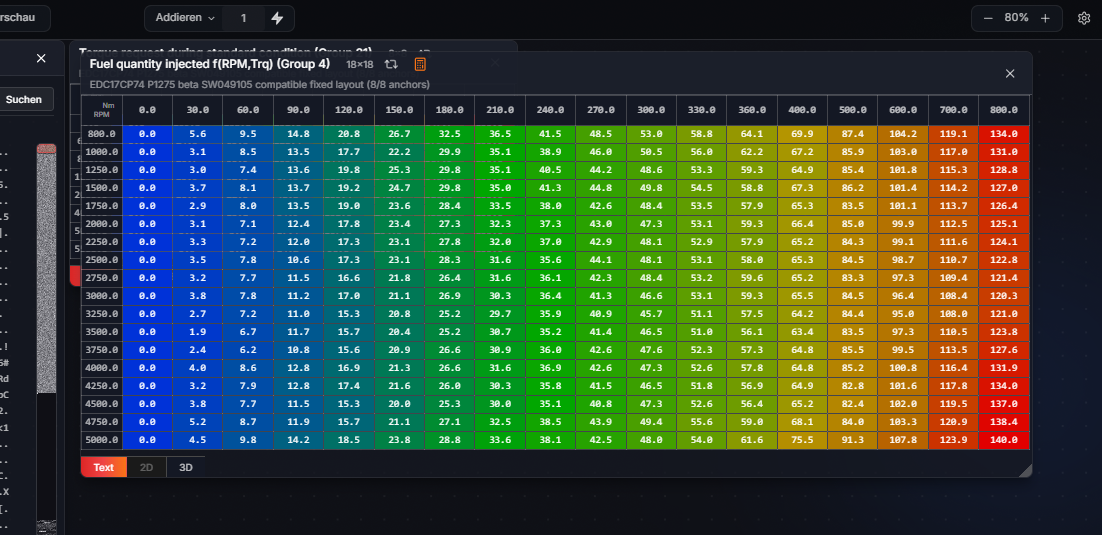
Start from a reliable original. Apply a compatible Solution or edit supported maps in Expert mode while keeping every result as a separate version.
ECU-JOBS SUITE
Compatible files can use performance, diagnostic and functional Solutions. The editor adds controlled changes to map values and axes.
HOW IT WORKS
Create a clear baseline with the file and vehicle data.
Apply a compatible Solution or edit calibration maps.
Inspect differences and export the result separately.
IMPORTANT INFORMATION
ECU family, software version, file size, read method and previous changes must match. Automatic detection does not replace technical plausibility checks.
ECU-Jobs Suite does not replace vehicle diagnostics or calibration expertise. Regulated changes may only be used where legally permitted.
FREQUENT QUESTIONS
No. Detection and Solutions are limited to supported ECU families and files.
Yes. Adjustments are stored as new versions.
Yes. Expert mode can create personal Solutions from your edits.